




Why buy from us?
Lorem Ipsum is simply dummy text of the printing and typesetting industry.
Ask a Question About This Product
- Stock: In Stock
- Brand: OEM
- Model: RLMMI1061
- Location: https://detail.1688.com/offer/894923766003.html


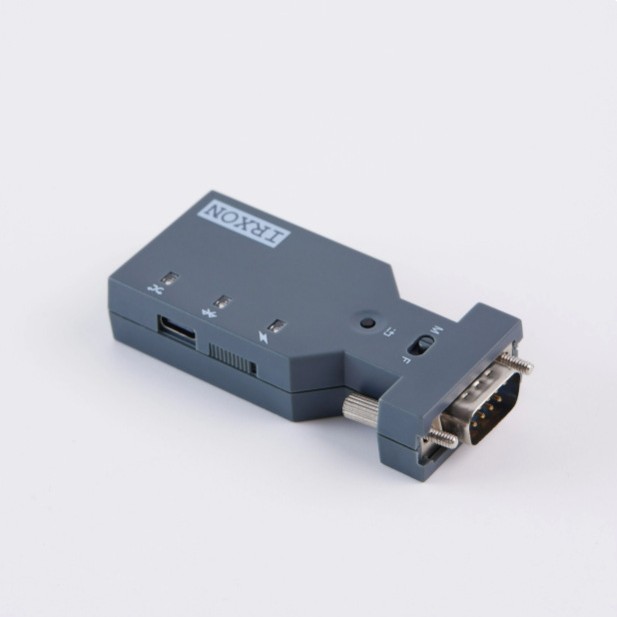
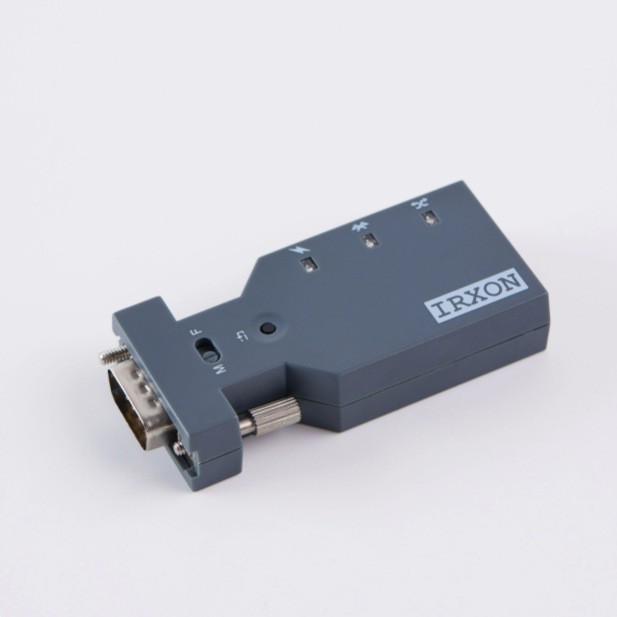
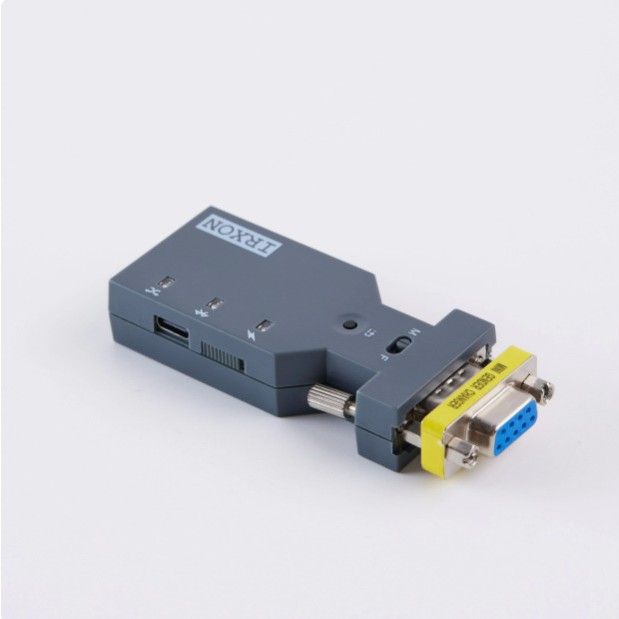
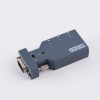
A serial Bluetooth adapter is usually used to connect to a serial device through a DB9 serial port, and the adapter is then connected to a remote computer or phone through Bluetooth technology to achieve wireless Bluetooth serial communication between the serial device and the computer or phone.
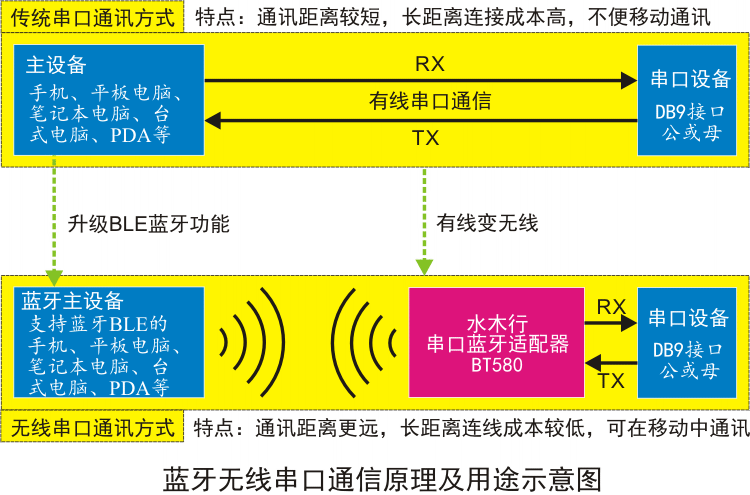
The main function of this product is to replace traditional serial communication cables, transforming wired serial connections into wireless Bluetooth connections, thereby achieving wireless serial communication.
It can be connected to various devices with standard RS232 serial ports through the DB9 interface, and can wirelessly communicate with Bluetooth main devices such as smartphones, tablets, desktop or laptop computers, BT580 hosts, etc. that support Bluetooth BLE function.
Adopting the widely used Bluetooth BLE technology, the Bluetooth master device achieves serial communication with the serial port device connected to the BT580 by monitoring and writing the internal Bluetooth characteristic values of the BT580.

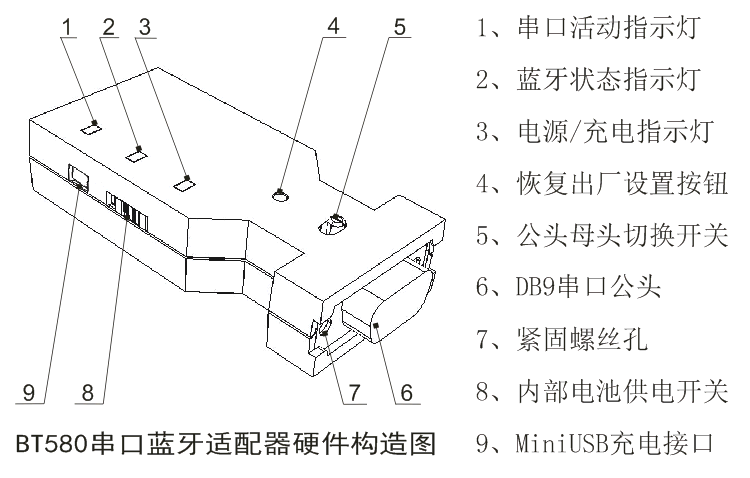
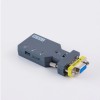
The DB9 male connector can be directly connected to widely used female serial devices, and can also be connected to male serial devices through the matching DB9 adapter
It can be used as a Bluetooth slave and connected to Bluetooth master devices such as mobile phones; It can also be changed to Bluetooth master by sending AT commands and paired with BT580 Bluetooth slave.
Equipped with a built-in lithium battery and charging circuit, it can be used in situations without external power supply. Low power Bluetooth technology can significantly improve battery life.
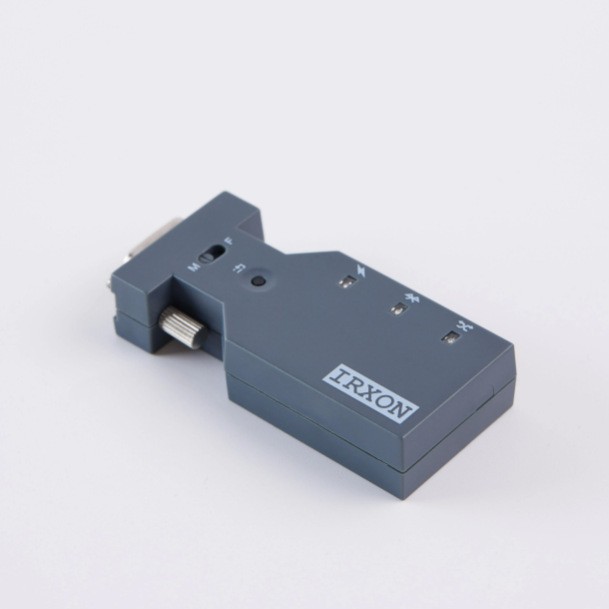
A byte of data passes through the serial port, and the serial port activity indicator will flash once whether it is sent or received. If there is continuous data transmission, it will light up.
When the BT580 detects that the built-in lithium battery voltage is too low, the Bluetooth status indicator light will flash rapidly to alert the user to charge in a timely manner.

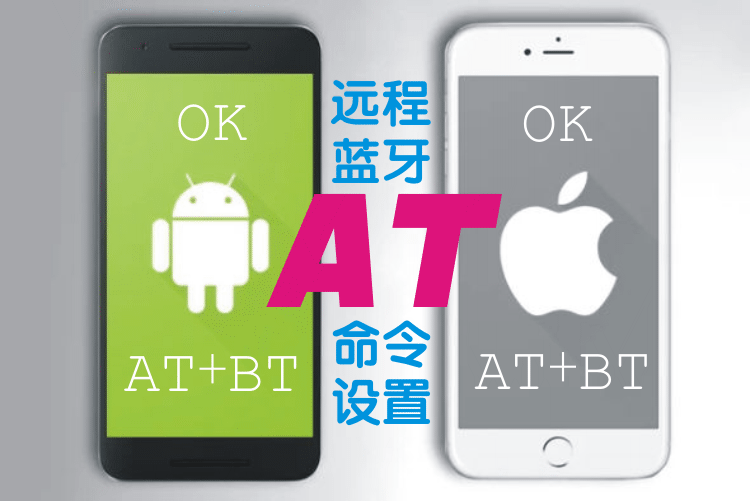
• Supports remote Bluetooth AT commands, which can be sent through a mobile phone to query and set BT580.
This is an innovation of Shuimu Xing. Compared with the traditional method of sending AT commands through a computer serial port, remote Bluetooth AT commands provide users with a simpler and more convenient way to set up AT commands.
The operation method is very simple. Run ATBlue software on your phone, click the scan device button to find BT580, and then click BT580 to connect. Enter the AT command at the bottom of the communication interface, click send, and you will receive a return message from BT580 above.
AT+BT is the test command for the Bluetooth AT command of BT580. If the test is normal, it returns "OK".
The BT580 provides rich AT commands, allowing users to comprehensively set and modify the behavior, serial port parameters, Bluetooth parameters, and even preset the search connection method of the BT580 host through remote Bluetooth AT commands.
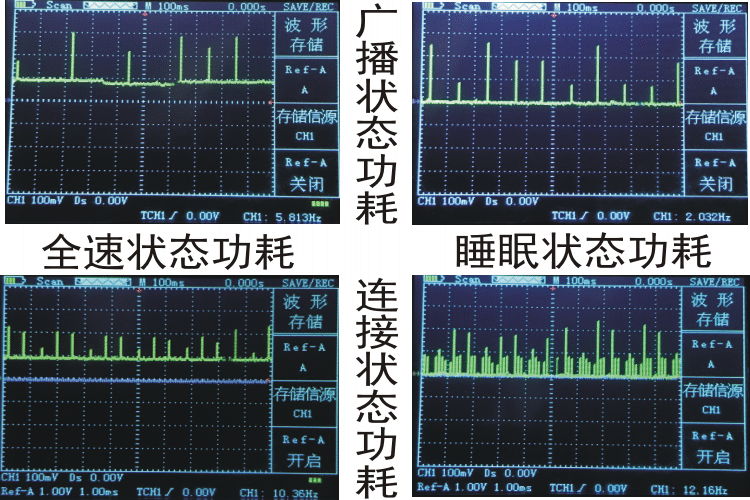
Equipped with automatic sleep function, there is no data transmission within 30 seconds, and it will automatically enter sleep mode. The power consumption in sleep mode can be as low as 0.1mA, which can further improve battery life.
Equipped with automatic wake-up function, both serial data activity and Bluetooth data activity can wake up BT580 from sleep mode and return it to full speed working state.
The power consumption waveform of BT580 is shown above. From the graph, it can be seen that BT580 is still in sleep mode and conducting Bluetooth broadcasting, which can be searched and discovered by the Bluetooth master device. During the interval between two broadcasts, the power consumption is almost zero, while the broadcast power consumption at full speed is close to 10mA.
From the graph, it can also be seen that BT580 is in sleep mode and still maintains Bluetooth connection, with almost zero power consumption during the connection interval. The larger the Bluetooth connection interval, the lower the power consumption, but the ability of Bluetooth to transmit data will also decrease accordingly. The Bluetooth connection interval of BT580 is very short, which can greatly improve the data throughput of Bluetooth communication.

• Bluetooth protocol: Bluetooth Low Energy (BLE)
Serial port transparent transmission characteristic value: 0000FFF6-0000-1000-00805F9B34FB
• Optional serial port baud rate: 1200240048009600192003840057600115200bps
Bluetooth wireless communication distance: 30 meters (open space)
Full speed working current and sleep working current: 10mA, 0.1mA
• Size and weight: 78x34x16mm 39g

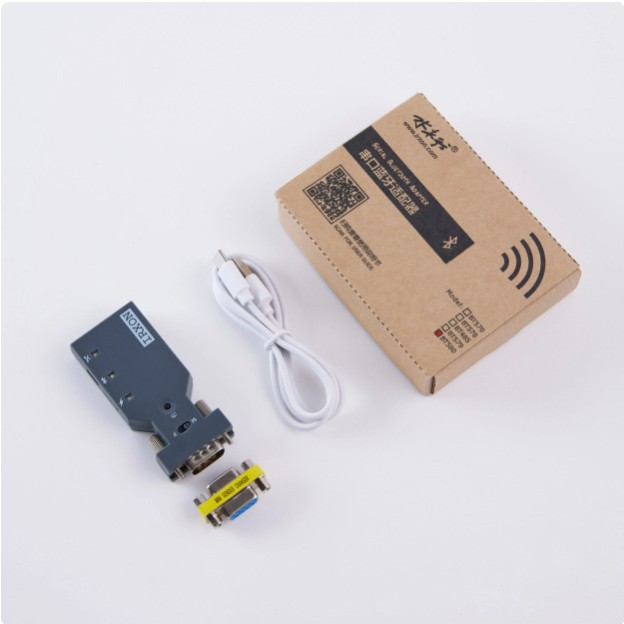
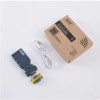
One BT580 serial Bluetooth adapter
One USB to Type-C charging cable
One DB9 female to female adapter
One copy of the user manual (electronic version)

User Manual Download for Shuimuxing BT580 Serial Bluetooth Adapter
http://www.irxon.com/products/bluetooth/580/BT580_Manual.pdf
How to connect and debug BT580 serial Bluetooth adapter on Android phone
http://www.irxon.com/application/forum.php?mod=viewthread&tid=82599&extra=page=1
How to connect and debug the BT580 serial Bluetooth adapter on an iPhone
http://www.irxon.com/application/forum.php?mod=viewthread&tid=82598&extra=page=1
How to connect and debug BT580 serial Bluetooth adapter on Windows 10 computer
http://www.irxon.com/application/forum.php?mod=viewthread&tid=82600&extra=page=1
BT580 host and BT580 slave paired debugging instance
http://www.irxon.com/application/forum.php?mod=viewthread&tid=82601&extra=page=1
BT580 Serial Bluetooth Adapter Application Development Guide
http://www.irxon.com/application/forum.php?mod=viewthread&tid=82602&extra=page=1
Configure network management switch on Android phone through BT580 serial Bluetooth adapter
http://www.irxon.com/application/forum.php?mod=viewthread&tid=82604&extra=page=1

Q: What is the difference between BT578 and BT580 serial Bluetooth adapters?