



Why buy from us?
Lorem Ipsum is simply dummy text of the printing and typesetting industry.
Ask a Question About This Product
- Stock: In Stock
- Brand: OEM
- Model: C2
- Location: https://detail.1688.com/offer/626896803898.html


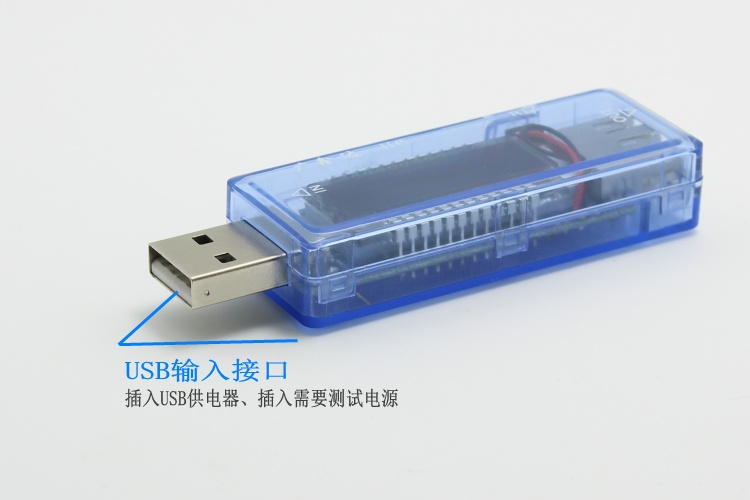
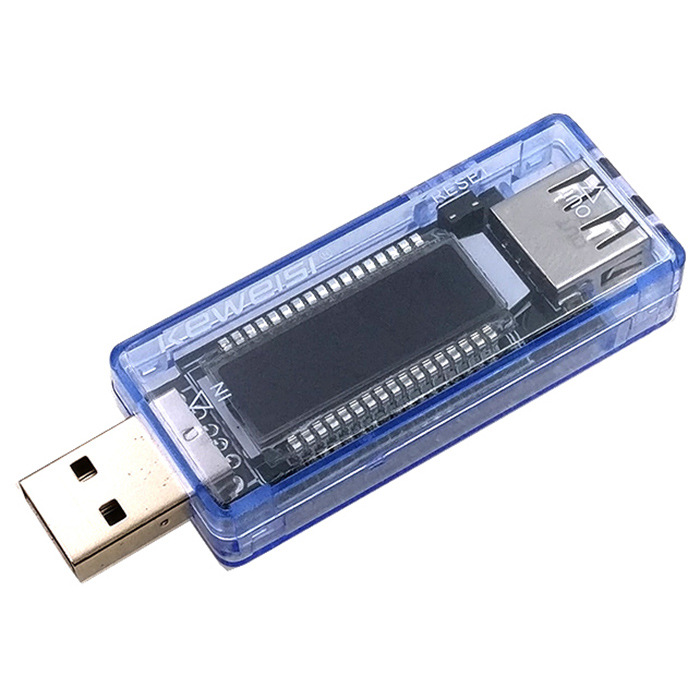
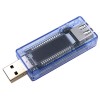
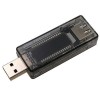
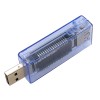
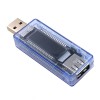
Introduction to the first generation tester:Size: Length 60MM * Width 28MM * Thickness 15MMWire length: 150MMFriendly reminder:
1. There is a protective film on the screen of the new machine, tear it off and it will be brand new!
2. It is recommended to use a load resistor for more convenient battery testing!
3. This instrument has been calibrated at the factory and can be used directly upon receipt!
4. When the voltage is below 4.7V (charger output insufficient) or above 5.3V5 (charger with line loss), the LCD screen will flash to indicate abnormal voltage, and the flashing cannot be turned off.
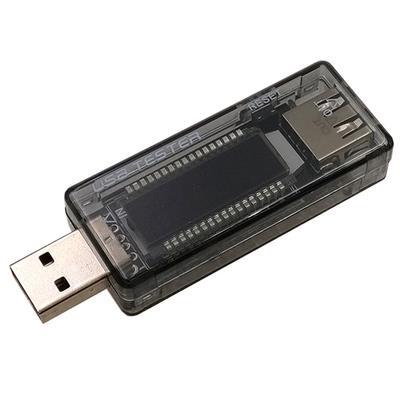
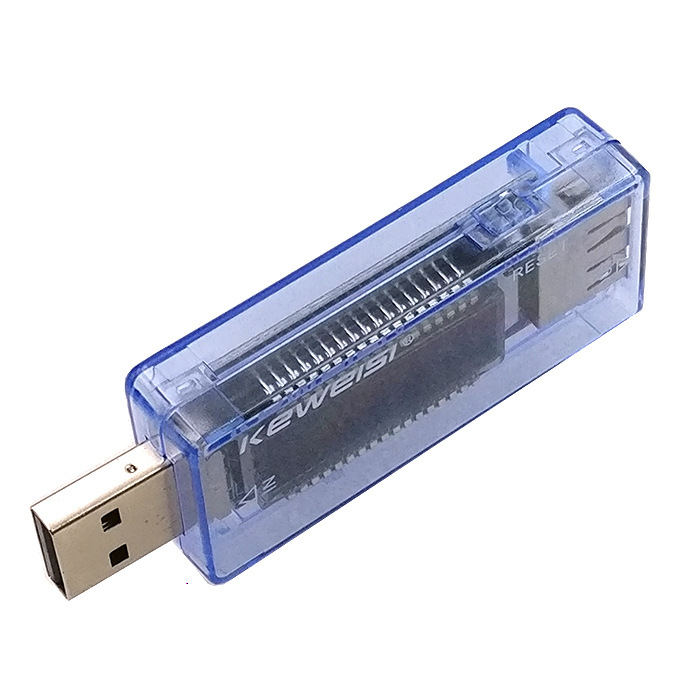
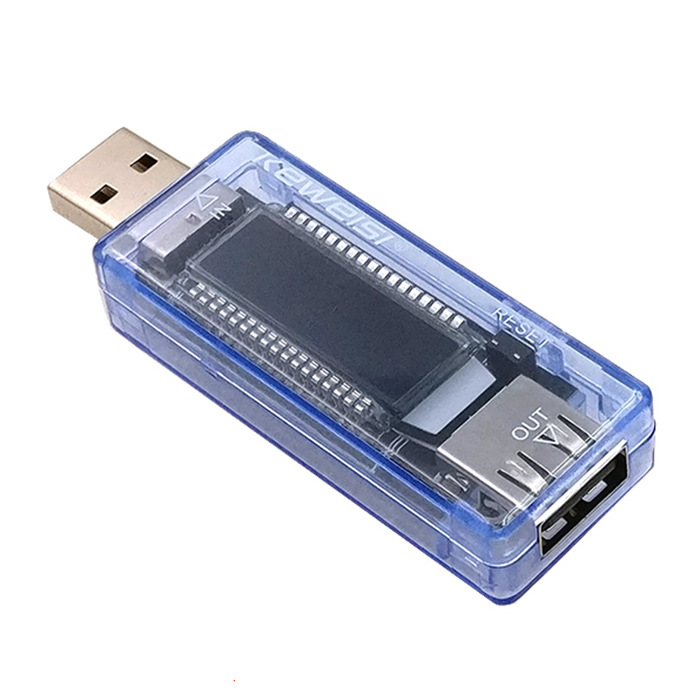
LCD display power, voltage, and current multifunctional tester
Electronic enthusiasts have a must-have artifact!
Compact size, easy to carry, comprehensive functions, testable battery capacity, portable power bank capacity, USB charger, data cable
LCD screen with backlight function can still be seen clearly even in low light conditions
The USB port can test the voltage, current, and discharge capacity of chargers and portable power banks
MicroUSB interface can test the load capacity of data cables
Performance parameters:
1. Input voltage: 3V-7V
2. Input current:<3.4A
3. Test content: Battery voltage, current, discharge capacity z, maximum range 19999MA (a total of 10 sets of data)
4. Communication function: Yes (input and output terminals can be used for USB communication, which means B+B-D+D - four wire communication)
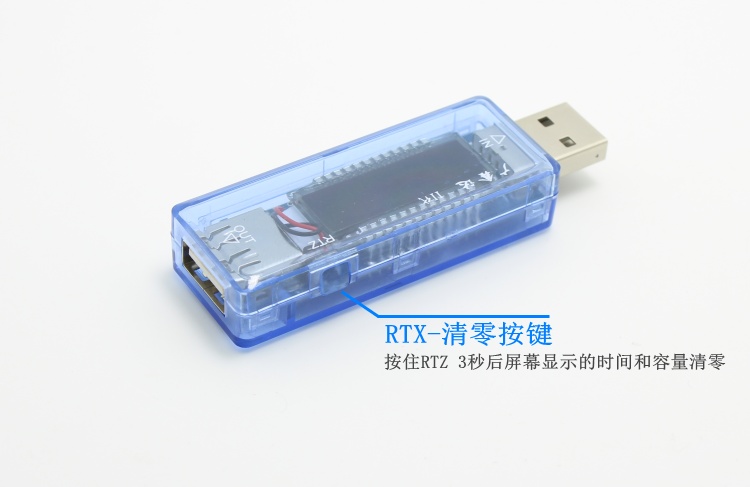
5. Data reset: Press and hold the button until (which group of data) becomes the next group, then release the button to automatically jump to the next group of data reset
6. Data viewing: Double click the button (within 0.5 seconds) to enter the data viewing mode. The backlight LED will flash, and then the next set of data will be displayed. Double click to exit the data viewing mode, and the backlight LED will remain on for a long time
7. Voltage warning: If the voltage is too high or too low, the backlight LED will flash and an alarm prompt will be displayed. Press the button and the LED will remain on for 30 seconds
8. Power on status: Connect the power through MicroUSB or USB plug, and the entire content of the LCD screen will be displayed for 1 second (check if the LCD screen is intact), then the last data (capacity and which set of data) will be displayed. The current voltage, current, and whether the voltage is high or low will be prompted
Instructions for Use:
Measure voltage and current:
Insert the USB male connector into a 5V charger and the female socket into a mobile phone or other device to directly read the voltage and current parameters
Measure the quality of MicroUSB cable:
When inserting a mobile phone or other device into the female socket, first plug the 5V charger into the male head of the device, remember the voltage, and then plug the MicroUSB cable from the 5V charger into the MicroUSB hole of the device to remember the voltage. The smaller the voltage difference, the better the quality of the MicroUSB cable
Measure battery capacity:
By using linear charging circuits such as TP4056 to fully charge a completely depleted battery through this capacity meter, the capacity reading becomes the battery capacity. This method can also be used to measure the charging capacity of mobile phones, and even calculate the charging efficiency of mobile phones
Measure the output capacity and efficiency of the mobile power bank:
First, connect the device to the power bank, turn on the power bank, press and hold the button until the capacity data returns to zero, insert the phone and charge it multiple times until the power bank runs out of battery and automatically shuts down. The next time you turn on the device, the displayed capacity is the mAH output by the power bank. Note that this mAH is much smaller than the nominal mAH. Output mAH * output voltage 5V/battery mAH * battery voltage 3.7V=power bank efficiency
Data reset:
Press and hold the button until (which group of data) becomes the next group, then release the button to automatically jump to the next group of data from scratch.
Data viewing:
Double click the button quickly (within 0.5 seconds) to enter the data viewing mode. The backlight LED will flash, and then the next set of data will be displayed. Double click to exit the data viewing mode, and the backlight LED will remain on.
Voltage high or low alarm:
LCD screen arrow, backlight LED will flash, alarm prompt, press the button and the LED will stay on for 30 seconds.
Power on status:
Connect the power through MicroUSB or a wired USB male connector, and the entire content of the LCD screen will display for 1 second (check if the LCD screen is intact), followed by the last data (capacity and which set of data), current, and high or low voltage prompts.
Data calibration function settings:
One electronic load meter, one constant current source.
Adjust the constant current source to 8.5V or above and 10V or below (9V recommended). Set the electronic load to CC mode (constant current mode) and calibrate the four currents of 3A, 2A, 1A, and 0.3A separately.
Taking 3A as an example: During 3A calibration, the electronic load is set to constant current mode 3A, and the current of the battery meter LCD screen will automatically and slowly calibrate (about 10 seconds). You can see that the current of the LCD screen will change, and after calibration, the electronic load data automatic protection will be turned off.Button FunctionMirco USB input port, which can be plugged in with a mobile phone data cable as an input cableUSB output port, connected to loads such as mobile phones and discharge resistorsTest specifications, voltage cannot exceed 7V, current cannot exceed 3.5A5V 2A for charging 1A mobile power input, 1.11APatriot mobile power bank, connected to 2A resistor, voltage 4.66V, almost the same, 4.66V voltage is a bit lowPatriot charges mobile phone 4.81V 0.91A
Size: 72MM in length, 23MM in width, and 13.5MM in thickness