
We use cookies 🍪
We use cookies and other similar technologies to improve your browsing experience and the functionality of our site. Learn more in our Privacy Policy.

The Header Notice now supports the page builder! 

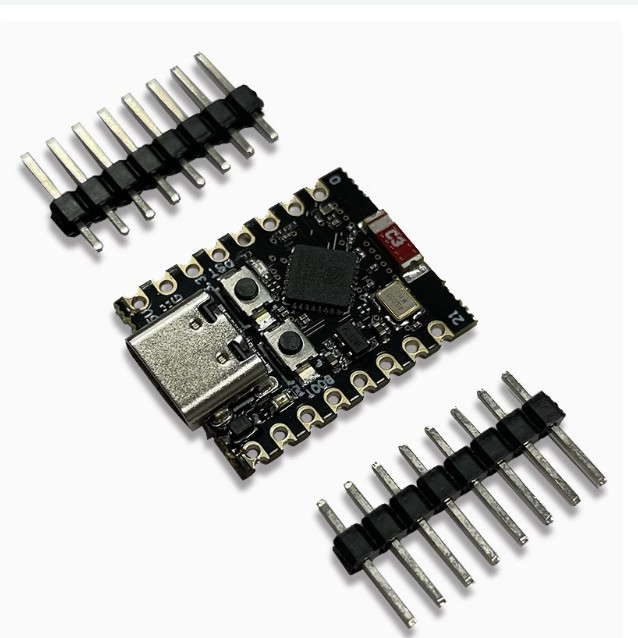
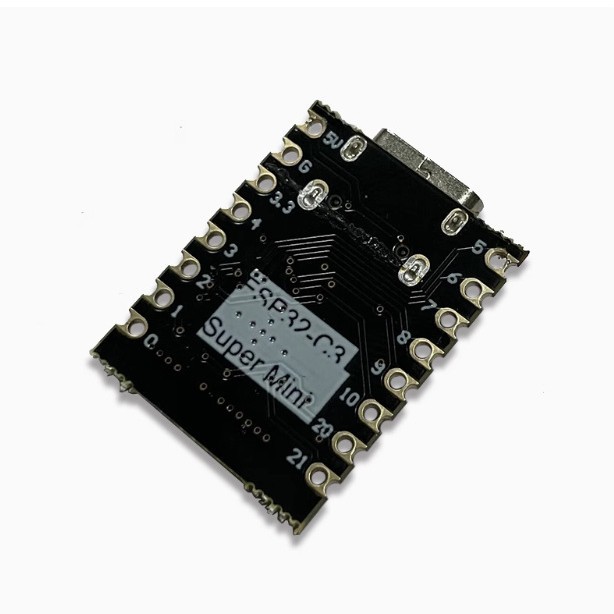
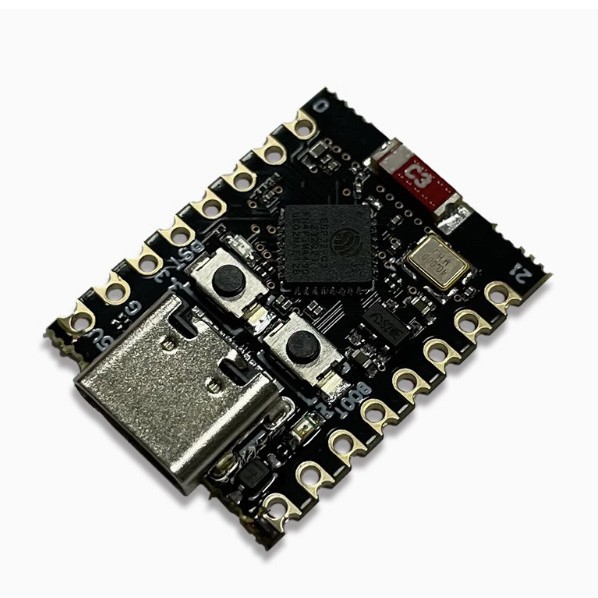
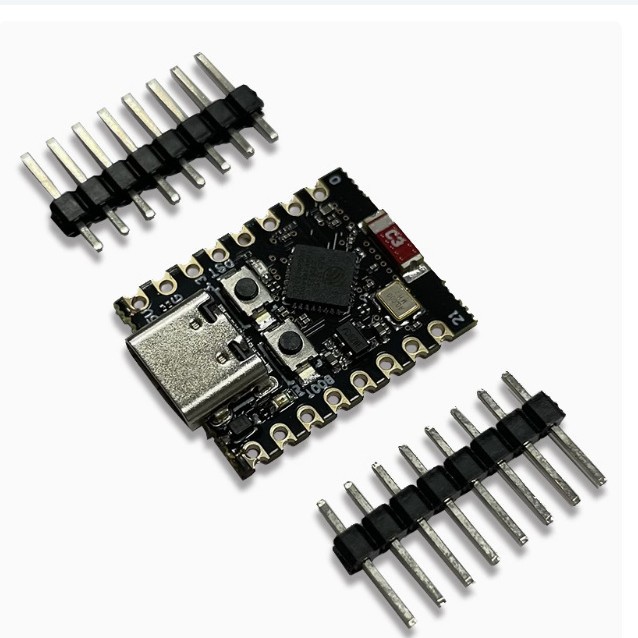
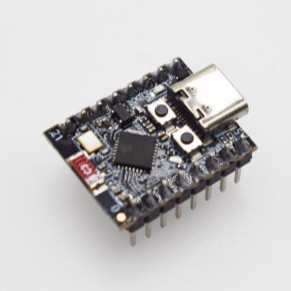
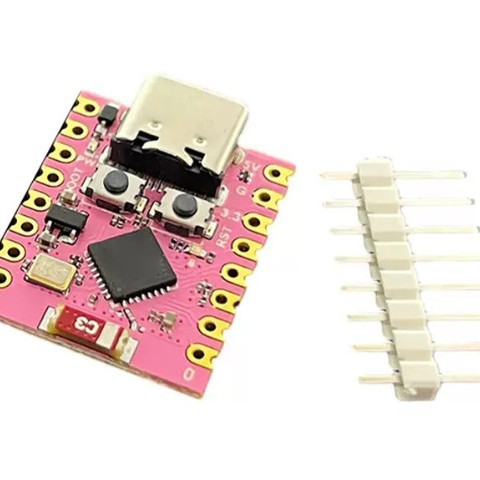
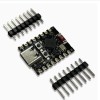
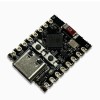
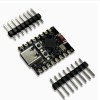
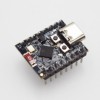
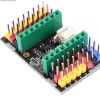
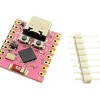
ESP32-C3 Development Board ESP32 SuperMini Development Board ESP32 Development Board wifi bluetooth

ESP32-C3 Development Board ESP32 SuperMini Development Board ESP32 Development Board wifi bluetooth
Data link: https://www.nologo.tech/product/esp32/esp32c3SuperMini/esp32C3SuperMini.html Download Pro... Read More
$1.27
  • Stock: In Stock
  • Brand: OEM
  • Model: ESP32-C3
  • Location: https://detail.1688.com/offer/857253950762.html

Available Options

Create unlimited custom product blocks and display them in accordions or tabs or open blocks. Each block can be assigned to all products at once or specific products according to advanced criteria.

Data link: https://www.nologo.tech/product/esp32/esp32c3SuperMini/esp32C3SuperMini.html


Download Program Tutorial for Arduino: https://chat.nologo.tech/d/72


If external power supply is required, simply connect the external power supply+level to the 5V position and GND to the negative terminal. (Supports 3.3-6V power supply). Remember that when connecting to an external power source, USB cannot be connected, and only one can be selected between USB and external power supply.


Enter download mode: Press and hold the BOOT button on ESP32C3, then press the RESET button, release the RESET button, and then release the BOOT button. At this point, ESP32C3 will enter download mode. (Every time you connect, you need to re-enter the download mode. Sometimes, if you press it once, the port may become unstable and disconnect. You can determine this by recognizing the sound on the port.)

Download link for ESP32 offline installation package: https://arduino.me/download

ESP32 series Micropython firmware download tutorial: https://chat.nologo.tech/d/75

ESP32 series Arduino Firmware Download Tutorial: https://chat.nologo.tech/d/72

ESP32c3Supermini/ESP32s3Pico/ESP32s2Pico serial port cannot be printed. Solution: In Arduino environment, remember to turn on CDC on boot when using direct USB connection, and remember to turn off CDC on boot when converting USB to serial port.

Data link: https://www.nologo.tech/product/esp32/esp32c3SuperMini/esp32C3SuperMini.html


Download Program Tutorial for Arduino: https://chat.nologo.tech/d/72


If external power supply is required, simply connect the external power supply+level to the 5V position and GND to the negative terminal. (Supports 3.3-6V power supply). Remember that when connecting to an external power source, USB cannot be connected, and only one can be selected between USB and external power supply.


Enter download mode: Press and hold the BOOT button on ESP32C3, then press the RESET button, release the RESET button, and then release the BOOT button. At this point, ESP32C3 will enter download mode. (Every time you connect, you need to re-enter the download mode. Sometimes, if you press it once, the port may become unstable and disconnect. You can determine this by recognizing the sound on the port.)

Download link for ESP32 offline installation package: https://arduino.me/download

ESP32 series Micropython firmware download tutorial: https://chat.nologo.tech/d/75

ESP32 series Arduino Firmware Download Tutorial: https://chat.nologo.tech/d/72

ESP32c3Supermini/ESP32s3Pico/ESP32s2Pico serial port cannot be printed. Solution: In Arduino environment, remember to turn on CDC on boot when using direct USB connection, and remember to turn off CDC on boot when converting USB to serial port.
Write a review

Note: HTML is not translated!
Rating
Bad Good

Builder in Product TAB

NEW! Since Journal 3.2, the much improved T.A.B (Tabs Accordion Blocks) system supports the page builder inside the tab content. Unlimited Blocks, Tabs or Accordions with any HTML content or the builder interface (supporting custom rows/columns/modules) can be assigned to any individual product or to certain groups of products, like entire categories, brands, products with specific options, attributes, price range, etc. You can indicate any criteria via the advanced product assignment mechanism and only those products matching your criteria will display the modules. Also, any module can be selectively activated per device (desktop/tablet/phone), customer login status and other criteria. Imagine the possibilities.